WA Translator: Smart WhatsApp, iPhone & AI Translation Guides
WA Translator is a practical learning hub for translating WhatsApp chats, voice notes, images, and documents using iPhone tools and AI translators. Instead of copying text between apps, we show you privacy-safe workflows that work directly inside WhatsApp, iOS, and desktop browsers.
Our guides help travelers, students, remote workers, and small businesses communicate clearly in any language while keeping tone, context, and data security intact.
Behind WA Translator: Every guide is written from hands-on testing with real WhatsApp chats, iPhones, and AI translators. We document what works, what fails, and how to fix translation issues in everyday conversations, not theory.
What You’ll Learn on WA Translator
Start here: New visitors usually begin with translating WhatsApp voice notes or building a one-tap iOS Shortcut for instant chat translation.
- How to translate WhatsApp messages without leaving the app.
- How to transcribe and translate voice notes automatically.
- How to translate images, screenshots, and PDFs using iPhone tools.
- How to use AI translators like ChatGPT, DeepL, and Google Translate safely.
- How to preserve tone, names, dates, and regional meaning in translations.
How WhatsApp Translation Works
Most WhatsApp translations fail because users copy text into random apps without checking context or privacy. At WA Translator, we focus on simple, tested workflows:
Many readers arrive here after losing names, tone, or formatting while pasting messages into generic translators. Our workflows keep context and layout intact directly inside WhatsApp and iOS.
- Capture the message, voice note, or image directly from WhatsApp.
- Process it using iOS Shortcuts, Live Text, or AI translation tools.
- Verify tone, names, and formatting before sending the reply.
Each tutorial on this site is built around real usage scenarios so you can translate faster and avoid mistakes in personal, academic, and professional conversations.
Why Trust WA Translator
WA Translator is not a simple tool directory. Every guide is written and tested by real users of WhatsApp, iPhone workflows, and AI translators. We compare tools in practical situations such as customer support, travel planning, study groups, and business messaging.
Editorial Policy: Tutorials are tested on real devices, reviewed for accuracy, privacy, and usability, and updated when WhatsApp, iOS, or AI tools change.
We focus on accuracy, privacy, and usability instead of automation hype. Our tutorials are updated regularly as WhatsApp, iOS, and AI translation features change.
Our content is reviewed by editors experienced in multilingual communication, iOS workflows, and AI translation tools. We test tutorials on real devices and update them as WhatsApp, iOS, and AI platforms evolve.
Who WA Translator Is For
- Travelers communicating across borders.
- Students translating study materials and group chats.
- Freelancers and remote workers handling multilingual clients.
- Small businesses replying to customers in different languages.
- Anyone who needs fast, reliable, and private WhatsApp translation.
Frequently Asked Questions
Is WhatsApp translation safe?
Yes, if done correctly. Our guides show how to avoid sending private data to unsafe services and how to use on-device tools when possible.
Can I translate WhatsApp voice notes?
Yes. We explain how to transcribe and translate voice messages using iOS Shortcuts, AI tools, and system features.
Which AI translator is most accurate?
Accuracy depends on language pair and context. We compare ChatGPT, DeepL, Google Translate, and Apple Translate with real examples.
If you’re new, start with our guide on translating WhatsApp voice notes or learn how to convert WhatsApp chats to PDF on iPhone.
Browse our latest tutorials below or explore categories to learn how to translate WhatsApp faster, safer, and more accurately.
Not sure where to begin? Pick a guide below and follow it step-by-step to translate faster and safer on WhatsApp.
Latest Guides
- Best AI Translation APIs for Developers in 2026 👉
 Beginner guide to AI translation APIs. Compare Google, DeepL, Azure, Amazon, costs, quality, and code examples to ship fast.
 - Best AI Tools for Translating Large Files (2026)The best AI tools to translate large files in 2026—compare accuracy, speed, privacy, and workflows to scale DOCX, PPTX, and PDF translation.
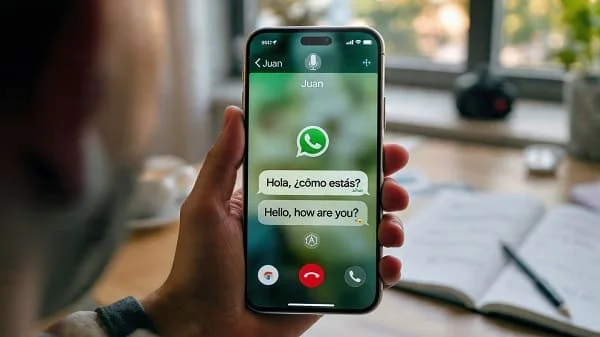
- How to Translate WhatsApp Calls on iPhone (Practical Guide)Real ways to translate WhatsApp calls on iPhone: Live Captions, two-device live translation, voice-message tips, FAQs, and privacy.
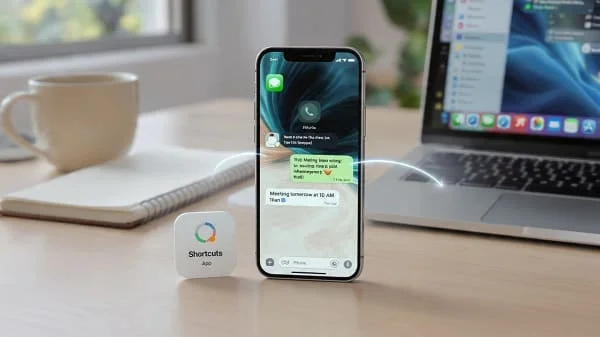
- How to Schedule WhatsApp Messages on iPhone (No Jailbreak)Learn how to schedule WhatsApp messages on iPhone without jailbreak using Shortcuts, automations, Siri templates, and reminders. Step‑by‑step.
- How to Create a Multilingual Glossary (Step-by-Step)Step-by-step guide to build a multilingual glossary and termbase: tools, TBX fields, workflows, QA, and governance for consistent localization.
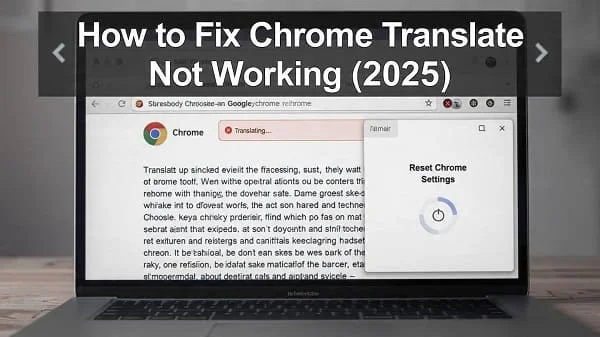
- Fix Chrome Translate Not Working on PC & Mobile (2025)Learn how to fix Chrome Translate not working on PC & mobile with easy, step-by-step solutions for 2025
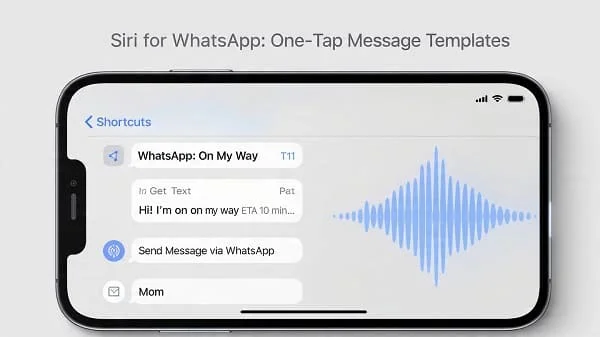
- Create One-Tap WhatsApp Message Templates with SiriCreate one-tap WhatsApp message templates with Siri on iPhone. Save time, send faster replies, and stay consistent in daily chats.
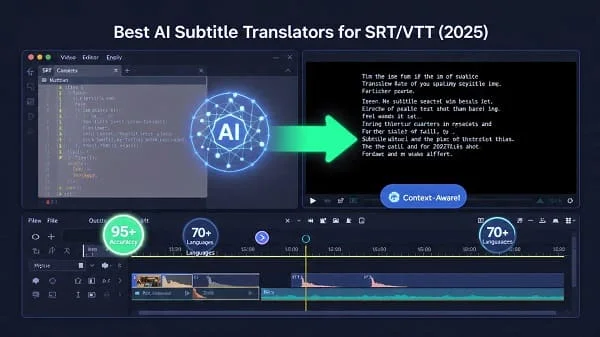
- Top AI Subtitle Translators for SRT & VTT in 2025Discover the best AI subtitle translators for SRT and VTT in 2025. Fast, accurate, and easy to use for all your video needs.


WhatsApp & iOS Workflows
Learn practical WhatsApp and iOS workflows you can use the same day. You’ll see how to translate a voice note in seconds, auto-translate incoming chats, and build a one-tap iOS Shortcut that turns speech into text and translation without jumping between apps. We also cover Live Text, Tap-to-Translate, backup and export methods, so your messages keep their meaning, names, and layout while staying private.
- How to Translate WhatsApp Calls on iPhone (Practical Guide)Real ways to translate WhatsApp calls on iPhone: Live Captions, two-device live translation, voice-message tips, FAQs, and privacy.
- How to Schedule WhatsApp Messages on iPhone (No Jailbreak)Learn how to schedule WhatsApp messages on iPhone without jailbreak using Shortcuts, automations, Siri templates, and reminders. Step‑by‑step.
- Create One-Tap WhatsApp Message Templates with SiriCreate one-tap WhatsApp message templates with Siri on iPhone. Save time, send faster replies, and stay consistent in daily chats.
AI TRANSLATION TOOLS
Explore how AI translators work in real situations, not just theory. We test ChatGPT, DeepL, Google Translate, and Apple Translate using the same messages to compare tone, formatting, speed, and accuracy. You’ll learn which tool fits quick chats, long documents, images, and voice notes, with settings and prompts that improve results without risking your data.
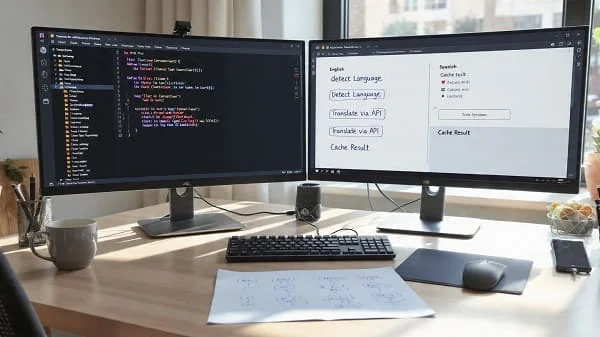
- Best AI Translation APIs for Developers in 2026 👉Beginner guide to AI translation APIs. Compare Google, DeepL, Azure, Amazon, costs, quality, and code examples to ship fast.
- Best AI Tools for Translating Large Files (2026)The best AI tools to translate large files in 2026—compare accuracy, speed, privacy, and workflows to scale DOCX, PPTX, and PDF translation.
- Fix Chrome Translate Not Working on PC & Mobile (2025)Learn how to fix Chrome Translate not working on PC & mobile with easy, step-by-step solutions for 2025
Use Cases & Tips
Turn translation into a daily productivity tool. Our guides walk through replying to foreign customers, translating study notes, preparing travel messages, and localizing resumes without breaking dates, names, or layout. You’ll get checklists, templates, and verification steps that reduce mistakes and keep conversations clear across chats, emails, and documents.
- EN↔AR Social Media Caption Templates (2025 Guide)Create quick English-Arabic social captions in 2025 with ready-to-use templates. Save time and engage your audience effortlessly.
- How to Use AirPods for Live Language Translation (2025)Learn how to use Apple AirPods for real-time language translation on iPhone. Step-by-step setup, tips, and supported languages in 2025.
- How to Translate Your CV into English (2025 Guide)
 Learn how to translate your CV into clear, professional English with practical tips, examples, and common mistakes to avoid in 2025.


Languages & Localization
Localize content with attention to real readers, not just words. We show how the same sentence changes meaning between LATAM and EU Spanish, Brazilian and European Portuguese, and different Arabic styles, plus how RTL layout and punctuation affect readability. You’ll also learn SEO localization basics so translated pages feel natural and discoverable in each market.
- How to Create a Multilingual Glossary (Step-by-Step)Step-by-step guide to build a multilingual glossary and termbase: tools, TBX fields, workflows, QA, and governance for consistent localization.
- Translate or Transliterate Brand Names: Best PracticesLearn when to translate or transliterate brand names for global markets, with practical tips for accuracy, clarity, and brand consistency.
- App Store Arabic: Keywords, Screenshots & A/B TestingLearn how to optimize your Arabic App Store listing with keywords, screenshots, and A/B tests for better downloads and visibility.

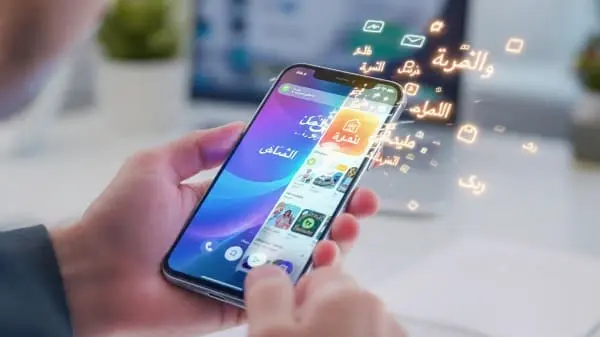
Why we’re called WA Translator
We started by solving a simple problem: translating WhatsApp (WA) messages safely and fast. That focus shaped our name. As we expanded into iPhone workflows and AI translation across apps and file types, we kept “WA” as a promise—We Assist and Words Accessible. It reflects our mission to make translation clear, secure, and available to everyone, any language, anywhere.